From Multiple Small Blogs to One WordPress Authority Site: A Real Migration & SEO Cleanup Guide (2026)
 jackober
January 2, 2026 11:16 am
.
10 min read
jackober
January 2, 2026 11:16 am
.
10 min read
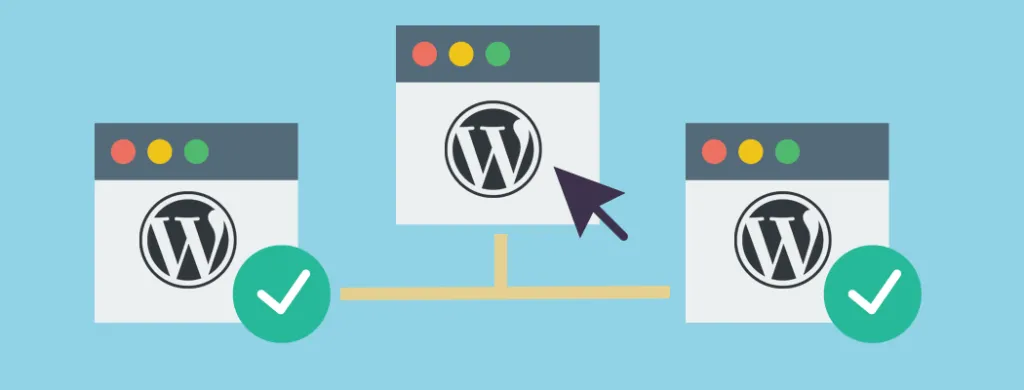
Running several small WordPress blogs can be fun at the beginning. You experiment with different niches, try new plugins, play with themes and content ideas.
But after a while reality kicks in:
- maintenance takes too much time,
- most of the sites don’t get enough traffic, and
- Google clearly prefers strong, focused authority sites instead of ten tiny ones.
That’s exactly where I found myself recently. I had several separate WordPress sites, all loosely related to WordPress, SEO, and web development. Instead of helping me grow, they started to dilute my efforts and even caused problems with indexing in Google.
So I made a decision:
“I’m going to consolidate everything into a single, stronger authority site – and do it properly, with SEO and users in mind.”
In this guide I’ll walk you through:
- why you might want to merge several WordPress sites into one,
- how to plan the migration so you don’t lose everything overnight,
- the exact step-by-step process I used, and
- lessons learned that I wish I knew before I started.
This is not a theoretical article. It’s a real-world migration story, adjusted into a practical tutorial you can follow.
Why Consolidate Multiple WordPress Sites into One?
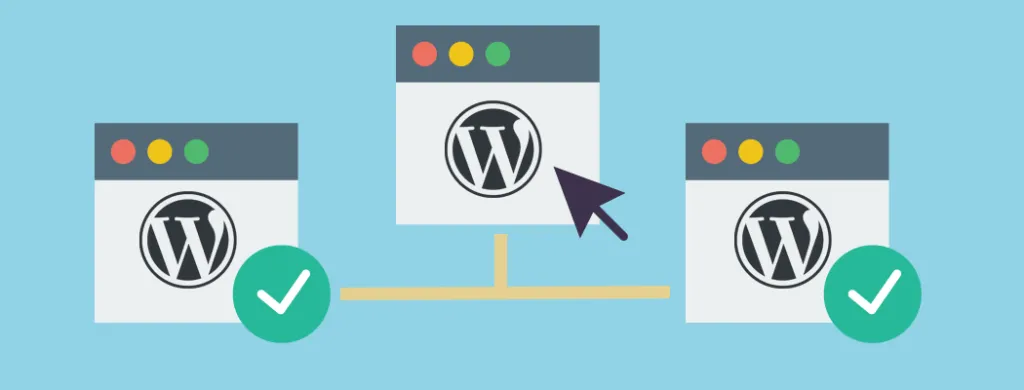
Before touching any database or DNS, you should be 100% clear on why you’re doing this. Consolidation is a big move.
Here are the main reasons that pushed me to do it.
1. Google prefers strong, focused domains
When every blog only has a handful of posts, it’s hard to send strong topical signals to Google. One site talks about WordPress themes, another about SEO plugins, another about speed optimization… but each of them only has 5–10 articles.
By putting everything under one brand and information architecture, you get:
- more content per topic cluster,
- better internal linking opportunities,
- higher chances of being seen as an authority.
2. Easier maintenance
One WordPress to update instead of five:
- one theme to maintain,
- one set of core plugins,
- one security setup and backup routine.
That alone saves hours every month.
3. Stronger branding
Instead of being “the person behind five random small blogs”, consolidation helps you build one brand that people can remember. You can put all your effort into that brand: logo, design, tone of voice, newsletter, social media, and so on.
Step 1 – Choose the Main Domain and Role of Each Old Site
First decision: which domain will be your main home?
In my case, I wanted a domain that:
- is easy to remember and type,
- already has some history and backlinks,
- fits a broader topic (in my case: WordPress tips, plugins, and tutorials).
Once you pick your main domain, write down all the other sites you plan to merge and decide their role:
- “Will I redirect all URLs from this domain to the new domain?”
- “Are there any posts that don’t fit the new brand and should simply be archived?”
- “Do I have duplicated articles across domains?”
This small planning step makes the whole migration much less stressful later.
Step 2 – Audit Content Before You Migrate Anything
It’s tempting to migrate everything and clean up later. I strongly recommend the opposite:
Clean up as much as you can before migration.
For each old site, export a list of posts (you can use WordPress export, a spreadsheet, or a simple plugin). Then for every post, ask:
Also Read:
- Is this article still relevant today?
If it’s outdated and not worth updating, consider dropping it. - Does it fit the new site’s topic?
If your new authority site is about WordPress, a random post about your cat probably doesn’t belong there. - Is this content duplicated on another domain?
If yes, choose one canonical version and merge/update that one. Plan to redirect the weaker duplicates to it.
Create three labels in your spreadsheet:
- KEEP & MIGRATE – good posts you want on the new site.
- REWRITE/UPDATE – posts that need serious improvement before you move them.
- DROP – content that will not be moved.
This is also a great opportunity to spot content gaps and future ideas (“I have three short posts about caching; maybe they should become one long, in-depth guide.”).
Step 3 – Prepare the New Site Structure
Before you import old posts, prepare the “skeleton” of your new authority site.
3.1. Define main categories and subcategories
Don’t overcomplicate it. For a WordPress-focused site, you might have:
- Tutorials
- Themes (Themes i recommend : WP Themes)
- Plugins
- Performance & Security
- Monetization
Every article you migrate should have a clear home in this structure.
3.2. Plan pillar posts and clusters
Pick a few topics where you want to become a go-to resource, for example:
Step 4 – Migrate the Content
Now comes the technical part. There are many ways to move content between WordPress sites. Here’s a method that works well for most setups.
4.1. Full backup first
Do not skip this.
- Make a complete backup of every source site (files + database).
- Make a backup of your new main site as well (just in case).
Use your hosting backup, a plugin like UpdraftPlus, or manual cPanel backups.
4.2. Export posts from old sites
For each source site:
- Go to Tools → Export in the WordPress dashboard.
- Choose Posts (and Pages if needed).
- Filter by category/date if you only want to move part of the content.
- Download the
.xmlfile.
Repeat for every site.
4.3. Import into the new site
On your main domain:
- Go to Tools → Import → WordPress.
- Install the importer if you haven’t, then upload the XML files.
- Choose whether to assign posts to an existing author account or create a new one.
- Tick the option to import attachments if you want the images moved over (might take a while).
After import, go through the posts and:
- assign them to the right categories,
- update slug/permalink if needed,
- quickly fix obvious formatting issues.
Step 5 – Set Up SEO-Safe 301 Redirects
This is where many site owners mess up.
If you simply shut down the old sites or change content without 301 redirects, users and search engines will hit 404 pages and a lot of your hard-earned signals will be wasted.
5.1. Map old URLs to new URLs
Using the spreadsheet from Step 2, create a simple two-column mapping:
- Column A: Old URL
- Column B: New URL on the authority site
If you rewrote or merged several posts into one, point all relevant old URLs to that single new article.
5.2. Implement 301 redirects
There are several ways to do it:
- via
.htaccesson Apache servers, - via Nginx config,
- or using a plugin like Redirection, Rank Math, or Yoast Premium.
Example .htaccess rule:
Redirect 301 /old-post-slug/ https://yournewsite.com/new-post-slug/
Repeat for each URL mapping.
Once done, test randomly:
- visit some old URLs in your browser,
- make sure they land on the correct new article.
Step 6 – Clean Up Duplicates and Thin Content
After the import it’s very common to have:
- two posts that cover almost the same topic,
- short “news” posts that no longer make sense,
- tag archives with just one post each.
Take a few hours to clean this up.
- Merge similar posts into one stronger article. Redirect the weaker one.
- Delete or rewrite very thin content.
- Noindex tag archives or date archives if they don’t add any value. Most WordPress blogs don’t need them in Google’s index.
Remember: the goal is not to have more URLs – it’s to have better URLs.
Step 7 – Update Sitemaps, Search Console, and Analytics
Once content, redirects, and cleanup are done:
- In your SEO plugin, generate a fresh sitemap (for example
https://yoursite.com/sitemap_index.xml). - Submit it in Google Search Console for your main domain.
- For each old domain property in Search Console:
- make sure Google can see the 301 redirects,
- use the “Change of Address” tool if you’ve moved the whole site to a new domain.
- Update your analytics (GA4, Matomo, etc.) so you can track everything on the new domain.
This tells Google clearly: “These old sites are now living here, under this new authority domain.”
Step 8 – Monitor the Migration and Fix Issues
For a few weeks after the migration:
- Check Indexing → Pages in Search Console.
- Watch for:
- spikes in 404 errors,
- pages that are “discovered but not indexed”,
- unexpected patterns (for example, Google choosing the wrong canonical).
Also monitor:
- organic traffic trends,
- crawl stats (server errors, response time).
If you see problems, fix them while the migration is still fresh. It’s normal for rankings and traffic to fluctuate for some time after such a big change, so don’t panic too quickly. Focus on offering clear structure and great content.
Lessons Learned From a Real Multi-Site Consolidation
Let me summarise the most important lessons from this whole journey.
1. Don’t migrate junk
If a post was useless on the old domain, moving it won’t magically make it helpful. Migrating everything “just because” dilutes the quality of your new site. Be selective.
2. Quality beats quantity (especially after an indexing issue)
Google doesn’t care that you have 300 URLs if only 10 of them are genuinely helpful. I’d rather have 50 strong, well-edited articles than 400 shallow posts that look like they were written from the same template.
3. Redirects are your best friend
301 redirects are not just a technical detail. They:
- rescue link equity,
- protect existing users’ bookmarks,
- and send very clear signals to search engines about your new information architecture.
Skipping proper redirects is like moving to a new house but never telling anyone your new address.
4. Expect a temporary dip, not an instant miracle
Consolidation is a long-term strategy. It sets you up for growth, but it doesn’t guarantee overnight rankings. The real benefit comes over the next months when you keep publishing strong, focused content on top of a clean technical foundation.
When You Shouldn’t Merge Everything
Consolidation is powerful, but it’s not always the right move.
You might want to keep things separate if:
- the niches are completely unrelated (for example WordPress development and gardening),
- one of the sites has a strong brand and audience of its own that doesn’t fit the new domain,
- or the technical stack is very different (for example, one site runs as a custom web app with user accounts and can’t easily be merged).
The key is strategic focus, not merging for the sake of merging.
Final Thoughts
If you’re stuck with several small WordPress blogs, each with tiny traffic and overlapping topics, consolidation into one well-maintained authority site can be a smart move.
The process looks intimidating from the outside, but once you break it down into clear steps—content audit, planning, migration, redirects, cleanup, and monitoring—it becomes manageable.
Most importantly, use this as an opportunity to raise your content standards:
- write deeper guides,
- share real experiences and screenshots,
- keep your tutorials updated,
- and build a brand people can actually trust.
That’s what will make your new authority site stand out in Google’s eyes—more than any trick or quick hack.
Jackober is a seasoned WordPress expert and digital strategist with a passion for empowering website owners. With years of hands-on experience in web development, SEO, and online security, Jackober delivers reliable, practical insights to help you build, secure, and optimize your WordPress site with ease.
You might also like