So, you’ve decided it’s time to pack up and move your website to a new hosting provider. Maybe your current host isn’t cutting it, or perhaps you’ve found a better deal elsewhere. Whatever the reason, migrating your website can feel like a daunting task. But don’t sweat it! With the right approach, you can make the transition smooth and hassle-free. Let’s dive into the nitty-gritty of hosting migration and get your site settled into its new home.

Before we jump into the how-to, let’s chat about the why. Why would you want to migrate your website in the first place? Here are some common reasons:
Whatever your reason, migrating your website can lead to better performance, enhanced security, and a more satisfying experience for your visitors.
Before you start the migration process, it’s crucial to prepare. Here’s a handy checklist to ensure you’re ready:
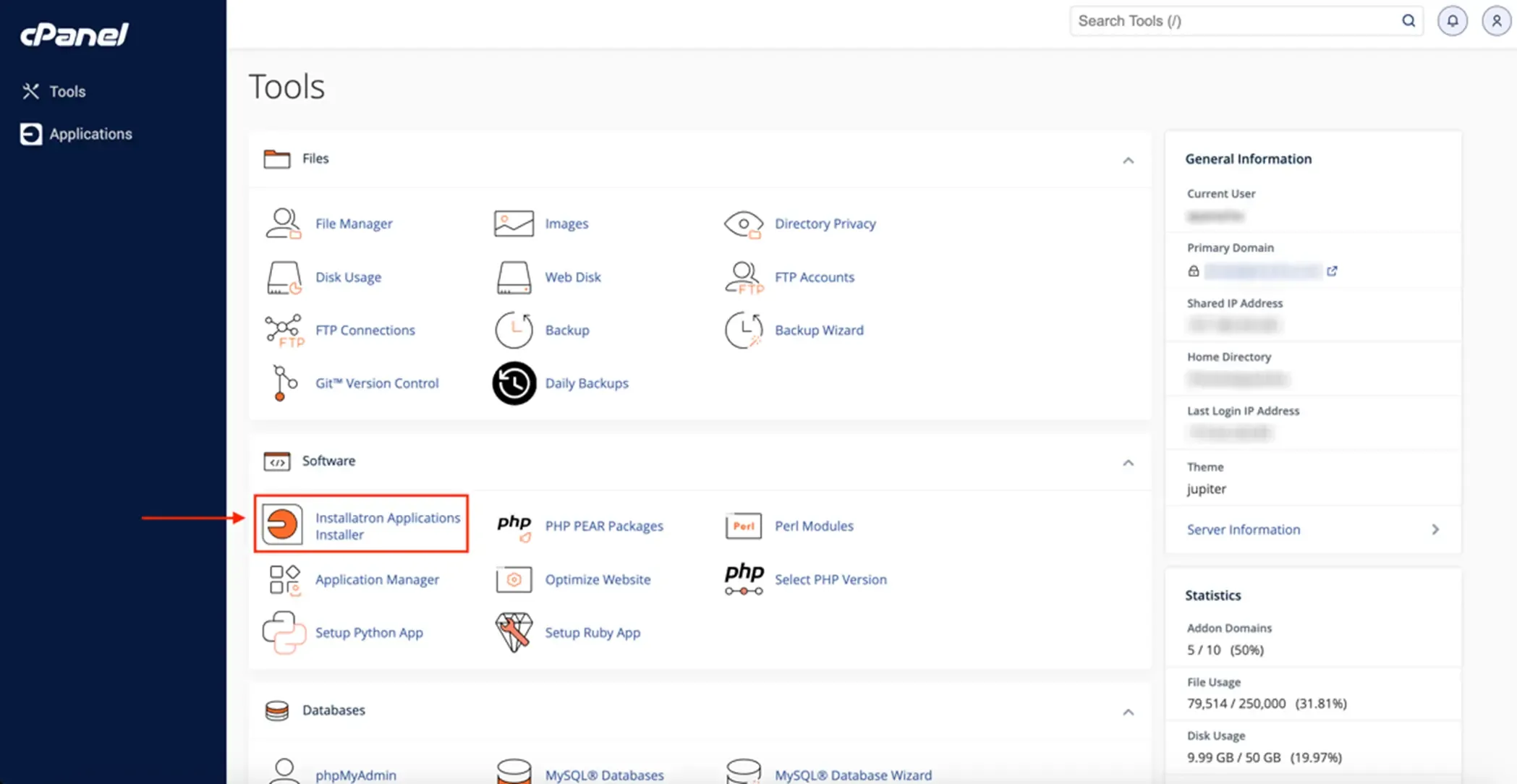
First things first, make sure you have a complete backup of your website. This includes all your files, databases, and any other important data. You can usually do this through your hosting control panel or by using a plugin if you’re on a CMS like WordPress.
Once you’ve chosen your new host, set up your account and prepare the environment for your website. This might involve:
After your site is set up on the new host, you’ll need to point your domain to the new server. This involves updating your DNS settings, which can usually be done through your domain registrar’s control panel. Keep in mind that DNS changes can take up to 48 hours to propagate, so be patient.
Before you make the final switch, test your website on the new host to ensure everything is working correctly. Check all pages, forms, and functionalities to make sure there are no issues.
Once you’re confident everything is working smoothly, finalize the migration. This might involve:
At Jackober.com, we recently migrated from NyanHosting to Webnesia, and here’s why:
Migrating a website isn’t without its challenges. Here are some common pitfalls and how to avoid them:
Read also: Shared Hosting vs. VPS vs. Dedicated Servers: Which Hosting Plan is Right for You?
Yes, with proper planning. Use a temporary domain or staging environment to test your site before updating DNS settings.
Many hosting providers offer free migration services. Check with your new host to see if they can handle the process for you.
It depends on your website’s size and complexity. Small sites can be migrated within a few hours, while larger ones might take a day or two.
Plugins like All-in-One WP Migration or UpdraftPlus make the process straightforward for WordPress sites.
Absolutely. You can either transfer your domain to the new host or update its DNS settings to point to the new server.
Hosting migration doesn’t have to be scary. Whether you’re upgrading for better performance or simply need more resources, choosing the right host is key. At Jackober.com, we’ve experienced firsthand how a hosting change can boost site speed and reliability.
Need help with hosting migration or choosing a new provider? Visit Jackober.com for expert advice, recommendations, and the best hosting deals. Whether you’re looking for NVMe-powered hosting or just starting out, we’ve got you covered!
Migrating your website is a big step, but it’s one that can unlock significant benefits for your online presence. With the right preparation, the process can be smooth and stress-free. Follow the steps outlined in this guide, avoid common pitfalls, and test thoroughly before making the switch.
Remember, Jackober.com is here to help! Whether you’re looking for hosting advice or want to learn from our own migration journey, don’t hesitate to reach out. Here’s to faster, more reliable websites—happy migrating!
Jackober is a seasoned WordPress expert and digital strategist with a passion for empowering website owners. With years of hands-on experience in web development, SEO, and online security, Jackober delivers reliable, practical insights to help you build, secure, and optimize your WordPress site with ease.