

Originally published: May 7, 2025 · Last reviewed and updated: October 2026
Webflow and WordPress can both build fast, professional websites, but they work in different ways. Webflow is a hosted, visual design platform: you pay one subscription and Webflow runs the servers, security, and updates. WordPress is open-source software you install on hosting of your choice. That gives you full control and a huge plugin ecosystem, and it makes you responsible for maintenance.
This comparison of Webflow vs WordPress looks at cost, design, content management, SEO, e-commerce, and maintenance in 2026 to help you pick the right one for your project.
The Short Answer
Choose Webflow if you are a designer or a marketing team building a design-led site with moderate content and no complex features. It also suits you if you want hosting, security, and updates handled in one subscription.
Choose WordPress for these cases:
- You need lots of content, a blog, a membership area, a large store, or custom functionality.
- You want to own your code and data and choose your own hosting.
- You want the widest choice of plugins, themes, and developers.
Webflow vs WordPress at a Glance
| Factor | Webflow | WordPress |
|---|---|---|
| Type | Hosted SaaS platform | Open-source software, self-hosted (or hosted by WordPress.com) |
| Cost | Site plan subscription; Basic $15/month and Premium $25/month billed yearly in 2026 | Free software; you pay for hosting, domain, and any premium plugins or themes |
| Design | Visual designer that maps closely to HTML and CSS | Block editor and Site Editor, or page builders |
| Content | CMS with item limits per plan (20,000 items on Premium) | No built-in content limit; custom post types and fields |
| E-commerce | Separate Ecommerce plans with product limits | WooCommerce and other plugins; no platform transaction fee |
| Extensions | Apps and integrations marketplace | Over 60,000 free plugins in the WordPress.org directory |
| Maintenance | Handled by Webflow | Your job or your host’s: updates, backups, security |
| Data ownership | Content can be exported, but the site can’t be moved to another host as-is | Full ownership; move to any host |
| Market share | Under 1% of websites | About 40% of all websites |
Webflow’s prices come from its official pricing page and the May 2026 plan update. That update merged the old CMS and Business site plans into a single Premium plan. Market share figures are from W3Techs surveys reported in 2026.
Design and Ease of Use
Webflow’s Designer gives designers precise control over layout, spacing, and animations without writing code. Because it mirrors HTML and CSS concepts, it is easiest for people who already understand how web pages are built.
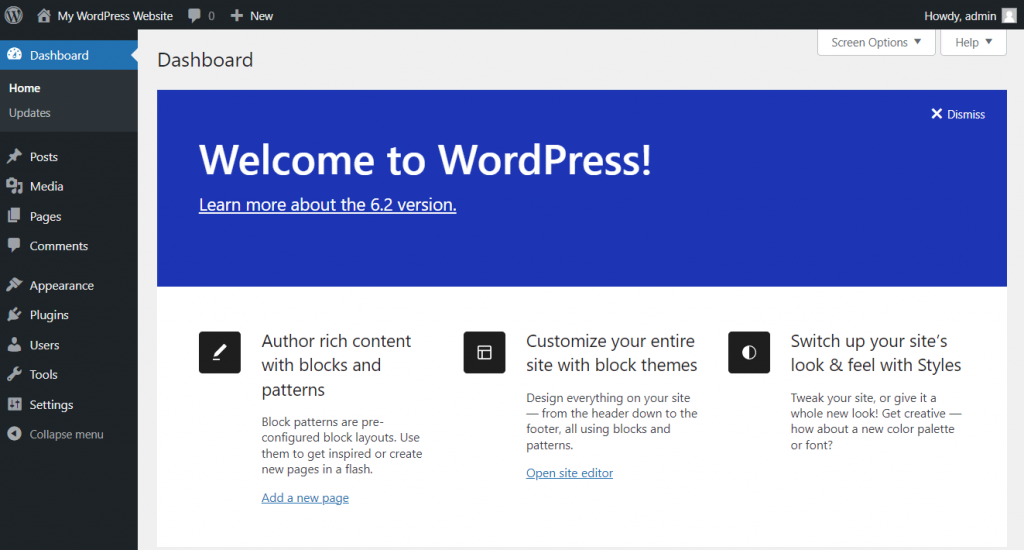
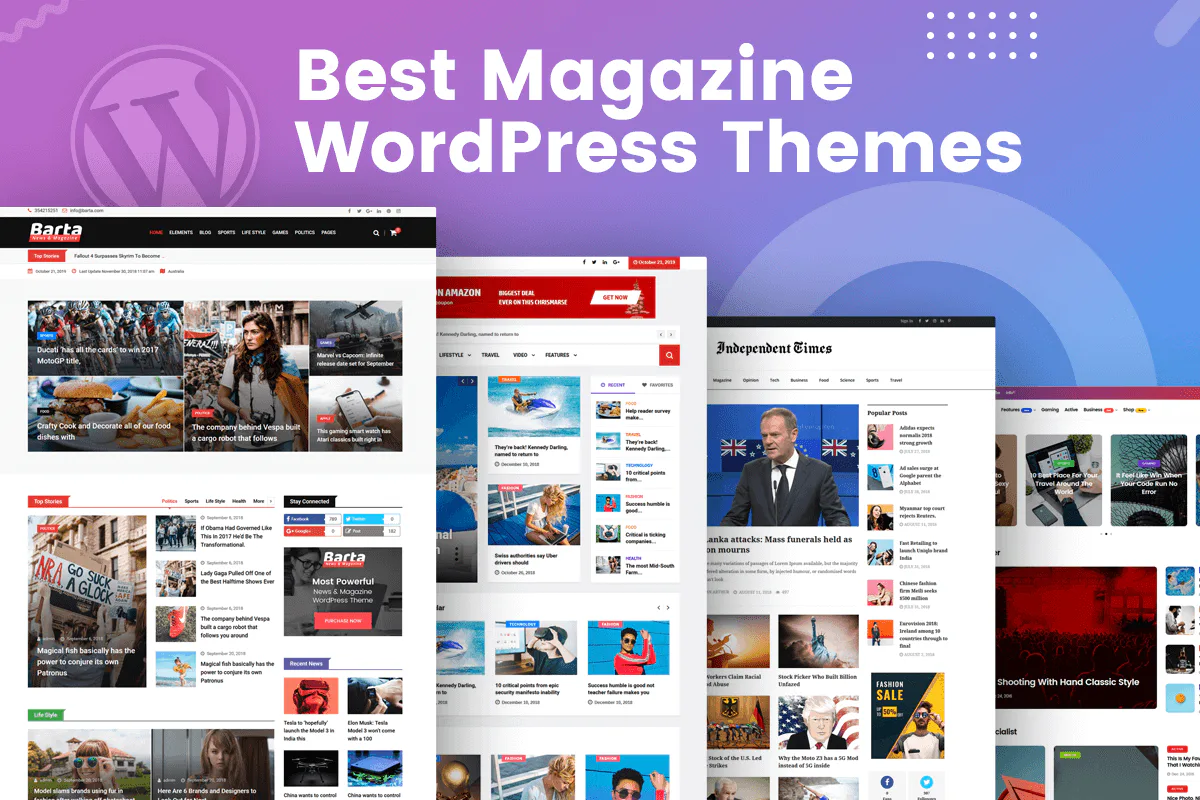
WordPress has become much more visual with the block editor and block themes. You can edit headers, footers, and templates in the Site Editor. Our comparison of block themes vs classic themes explains the options. Page builders add more design control; see our guide to the best WordPress page builders.
Content and Blogging
WordPress started as a blogging platform and is still the stronger choice for content-heavy sites. It offers revisions, scheduled posts, user roles, categories and tags, custom post types, and comments out of the box.
Webflow’s CMS works well for structured content such as blog posts, case studies, and team pages. However, each plan has limits on CMS items and collections, and complex editorial workflows need extra tools.
SEO
Both platforms give you control over titles, meta descriptions, clean URLs, sitemaps, redirects, and structured data. Neither has a built-in ranking advantage; content, site structure, and page experience matter far more. WordPress needs an SEO plugin for some of these features. Webflow includes most of them in its settings. Our complete WordPress SEO guide shows a typical WordPress setup.
E-commerce
Webflow Ecommerce suits small catalogues with a strong design focus. Its Ecommerce plans cap the number of products, and the entry plan adds a transaction fee.
WordPress with WooCommerce scales to large catalogues, subscriptions, bookings, and memberships through extensions. It charges no platform transaction fee, but you manage more of the setup. Our guide to creating an online store with WordPress covers the basics.
Cost Over Time
Webflow’s cost is predictable: a site plan, plus Ecommerce or extra seats if you need them. WordPress costs anything from a few dollars a month for basic hosting to much more for managed hosting and premium plugins. On a simple site WordPress is usually cheaper. On a complex site, the two can cost about the same once you count developer and maintenance time.
Maintenance and Security
Webflow handles hosting, SSL, updates, and backups, so there are no plugins to patch. With WordPress, you or your host must keep the core, themes, and plugins updated and take backups. Most WordPress hacks come from outdated or nulled plugins and weak passwords, not from WordPress core. Our WordPress security best practices cover the routine.
Common Mistakes
- Choosing Webflow for a site that needs complex features. Memberships, large stores, and custom logic are often easier on WordPress.
- Choosing WordPress and never updating it. Unmaintained plugins are the main security risk.
- Comparing only the monthly price. Include the time spent on maintenance, add-ons, and developer help.
- Ignoring lock-in. Leaving Webflow means rebuilding the site elsewhere; plan for that if you might switch later.
- Migrating without redirects. Changing platforms without 301 redirects loses search traffic.
FAQ
Is Webflow better than WordPress for SEO?
No platform is automatically better. Both give you the controls you need. Results depend on content quality, internal linking, speed, and technical setup.
Is Webflow cheaper than WordPress?
For a simple site, WordPress on basic hosting is usually cheaper. Webflow can be cost-effective when you count the maintenance work it removes, especially for design teams.
Can I move from Webflow to WordPress?
Yes, but not automatically. You can export CMS collections as CSV and rebuild the design on WordPress. Set up 301 redirects for every changed URL. Our migration guide covers testing and the DNS switch.
Do I need to know code to use Webflow or WordPress?
Neither requires code for basic sites. Webflow rewards an understanding of HTML and CSS concepts. WordPress lets beginners start with a theme and blocks, and developers can extend it with PHP.
Which is better for a blog?
WordPress, in most cases. Its editorial tools, plugins, and lack of content limits make it the stronger blogging platform.
The Bottom Line
Webflow is a strong choice for design-led marketing sites when a team wants one subscription with no maintenance. WordPress is the better fit for content-heavy sites, stores, memberships, and anything that needs custom features or full ownership. Decide based on what the site must do in two or three years, not only on how quickly you can launch it.
Sources & Further Reading
- Webflow: Plans and pricing
- Webflow Help Center: Updated pricing and simplified plans for May 2026
- W3Techs: Usage statistics of content management systems
- WordPress.org: Plugin directory
- WordPress.org: Requirements
Articles are editorially reviewed by Jackober and factual claims are checked against cited sources.





2 comments